
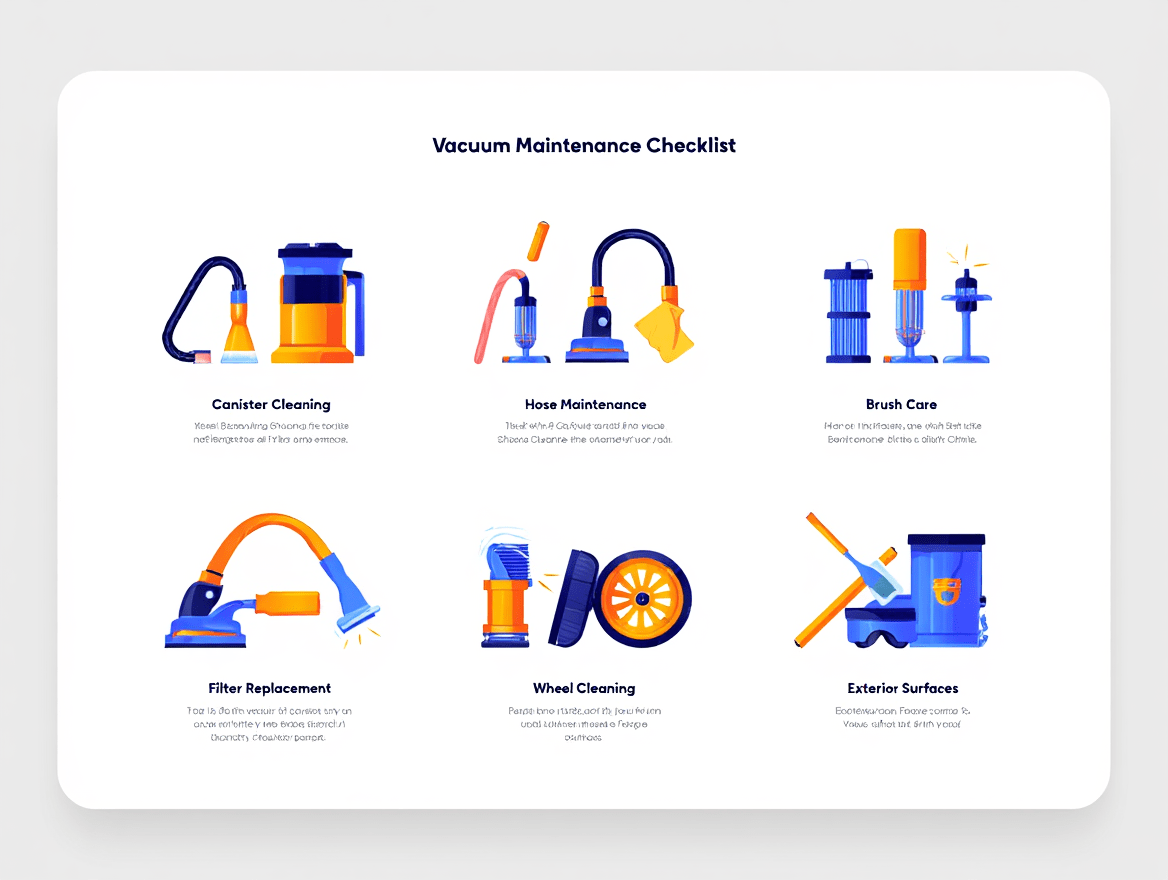
Your vacuum works hard to keep your home dust-free, but many people forget that it needs cleaning too. Over time, dust, hair, and debris build up in the filters, brush rolls, and hoses, reducing suction, damaging motors, and spreading allergens. Deep cleaning your vacuum at home restores performance, extends lifespan, and improves indoor air quality.
In this step-by-step guide, I’ll show you how to safely disassemble, clean, and maintain your vacuum. From filter care to brush roll maintenance, following these steps ensures your vacuum cleans efficiently and protects both your investment and your home’s health.
Why Deep Cleaning Your Vacuum Matters?
Even a seemingly minor dust buildup can reduce suction and cause your vacuum to work harder than necessary. Deep cleaning addresses these problems before they become major repairs.
Restoring Suction Power
Clogged filters, hoses, and brush rolls choke airflow, which drastically reduces suction. For instance, a partially blocked HEPA filter can cut suction in half, forcing multiple passes to clean the same area. A deep clean removes debris, restores proper airflow, and ensures consistent cleaning efficiency.
Protecting the Motor and Belts
Dust and hair around the motor and belts increase friction and heat, leading to premature wear. By deep cleaning, you reduce stress on these components, preventing belt breakage and motor burnout. This simple preventive step saves you from costly repairs or full replacements.
Health and Hygiene Benefits
A dirty vacuum recirculates allergens, bacteria, and pet dander back into your home. Deep cleaning removes trapped debris from bins, hoses, and filters. Families with asthma, allergies, or pets will notice improved air quality and reduced allergy symptoms after a thorough vacuum cleaning.
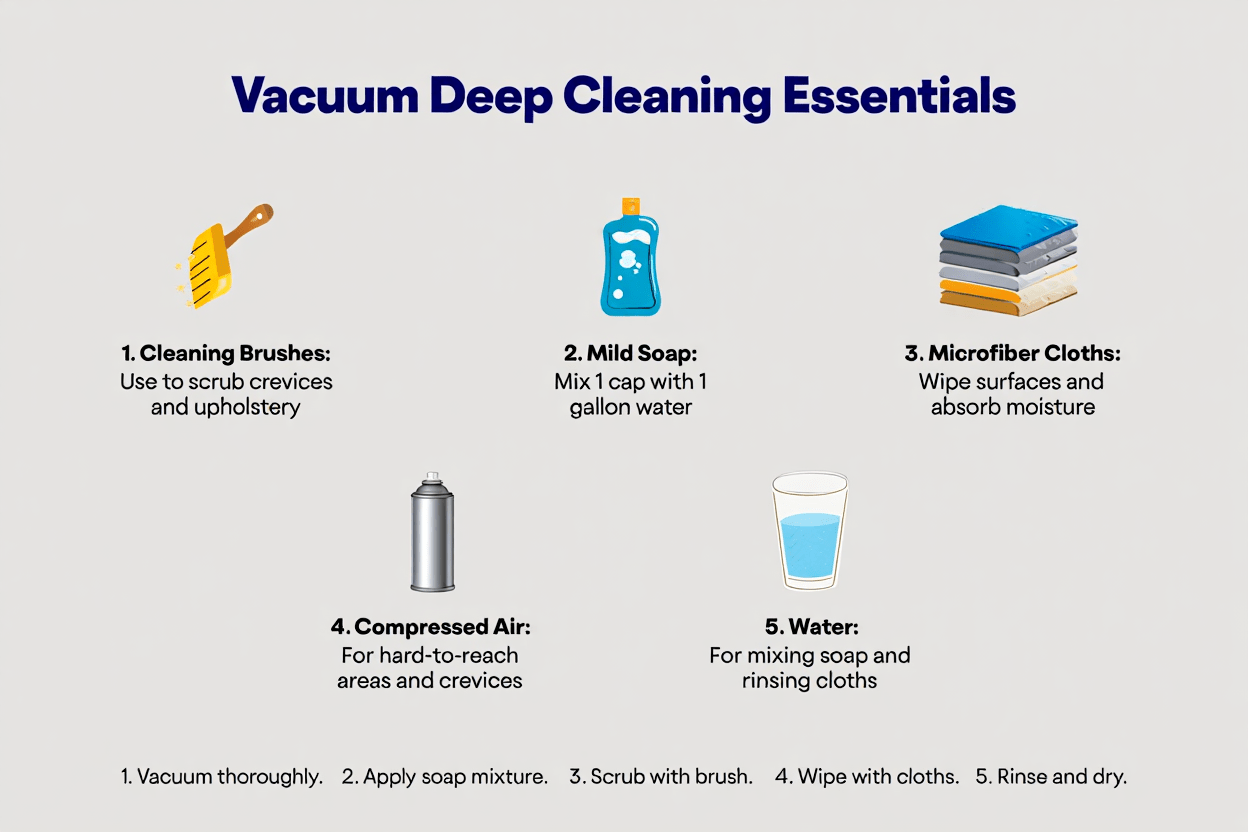
Tools and Supplies You’ll Need
Having the correct supplies ensures you can clean every component properly without damaging the vacuum.
Essential Tools
- Screwdriver set for opening covers
- Scissors or razor blade for hair removal
- Microfiber cloths and soft brushes
- Dish soap and warm water
- Replacement filter or bag (OEM or high-quality aftermarket)
- Compressed air (optional for vents)
- Gloves and dust mask to protect your hands and lungs
Step-by-Step Deep Cleaning Guide
By following these steps in order, you ensure every part of the vacuum is thoroughly cleaned without causing damage or leaving moisture inside.
Step 1 – Unplug and Disassemble Safely
Always unplug your vacuum before cleaning. Remove the canister, bag, and detachable parts. Take photos of the assembly if needed to help with reassembly. Safety first: never clean while the vacuum is plugged in.
Step 2 – Empty the Bin or Replace the Bag
Overfilled bins or bags reduce airflow and stress the motor. Remove contents and wipe the inside of the bin. For bagged vacuums, replace the bag with a high-quality or OEM bag to prevent leaks and maintain suction.
Step 3 – Wash or Replace Filters
Pre-motor filters and foam filters can often be rinsed and air-dried. HEPA filters usually need replacement every 6–12 months. Avoid reinstalling wet filters, as this can damage the motor and reduce suction efficiency.
Step 4 – Clean the Brush Roll and Belt
Remove hair, threads, and debris from the brush roll using scissors. Check the belt for stretching, cracks, or signs of wear. Replace if necessary. OEM belts provide better longevity, while some aftermarket belts are cheaper but may wear faster.
Step 5 – Clear Hoses and Attachments
Debris often gets stuck in hoses or wands. Use a broom handle or vacuum snake to push out clogs. Check seals for cracks; leaks reduce suction and can stress the motor.
How Often Should You Deep Clean Your Vacuum?
Vacuuming habits and home environment dictate how often a deep clean is necessary. Overlooking this can lead to poor performance and reduced lifespan.
Light Use
For homes that vacuum once or twice per week with minimal debris, deep cleaning every 6 months is usually sufficient.
Heavy Use
Homes with pets, children, or wall-to-wall carpeting should deep clean every 2–3 months to prevent clogs and maintain suction.
Commercial or Professional Use
For hotels, offices, or cleaning businesses, monthly deep cleaning is recommended due to heavy daily use.
Step-by-Step Deep Cleaning Guide
These final steps ensure your vacuum is fully restored to peak performance, with clean exterior, dry components, and tested suction before reassembly.
Step 6 – Wipe Exterior and Vents
Dust accumulates on the vacuum’s exterior and vents, causing overheating and reduced airflow. Use a microfiber cloth to wipe surfaces and a soft brush or compressed air to clean vent slats. Avoid harsh chemicals, as they can damage plastic or rubber seals. Regular wiping prevents buildup between deep cleans.
Step 7 – Reassemble and Test
Once all parts are clean and fully dry, reassemble the vacuum carefully. Ensure the filter is properly seated and the brush roll is secured. Turn on the vacuum and run it for 2–3 minutes. Check suction, brush roll rotation, and listen for unusual noises. If something seems off, recheck assembly before use.
Common Mistakes to Avoid
Avoiding these mistakes ensures your vacuum remains safe, efficient, and long-lasting.
Using Harsh Chemicals
Strong cleaners can weaken plastic parts, damage rubber seals, and corrode metal components. Stick to mild dish soap and warm water for cleaning washable parts.
Washing Non-Washable Filters
Some HEPA filters or electronic filters cannot be rinsed. Washing them reduces filtration efficiency and can ruin the vacuum. Always check manufacturer instructions before attempting to clean filters.
Forgetting to Dry Components Fully
Installing wet filters or brush rolls risks mold growth and short circuits. Air-dry all parts completely before reassembly.
Using Wrong Replacement Parts
Cheap or ill-fitting belts, filters, and bags may reduce suction and damage the vacuum over time. Stick to OEM parts or high-quality aftermarket replacements recommended for your model.
Cost-Saving Tips
You don’t always need professional help or constant part replacements to maintain vacuum efficiency.
Wash Filters if Possible
If your filter is washable, rinse it regularly instead of replacing it every time. This reduces costs and extends the filter’s usable life.
Buy Parts in Bulk
Filters, belts, and bags are often cheaper when purchased in packs. OEM or high-quality aftermarket kits can save 20–30% over single-item purchases.
Empty Bins Early
Don’t wait until the dust bin is full. Emptying at 50–60% keeps airflow high and motor stress low.
Proper Storage
Store vacuums in a dry, cool area. Moisture and heat accelerate wear on belts, seals, and electronics.
Conclusion
Deep cleaning your vacuum at home restores suction, prevents costly repairs, and improves indoor air quality. Following a step-by-step routine—cleaning filters, brush rolls, hoses, and exterior—keeps your machine efficient and long-lasting. Avoid common mistakes, use proper tools, and replace parts as needed. Combining DIY deep cleaning with annual professional servicing ensures your vacuum performs at its best for years. Don’t wait for clogs or breakdowns to take action. Keep your vacuum in top condition, protect your investment, and enjoy cleaner air and floors. Check our selection of vacuum filters and replacement parts today to maintain peak performance.
FAQs
Can I wash my vacuum filter?
Some pre-filters are washable, but HEPA or electronic filters usually must be replaced. Washing the wrong filter can damage it and reduce suction. Always check your vacuum’s manual before attempting to clean filters.
How do I clean a vacuum with a HEPA filter?
HEPA filters should be replaced rather than washed. Remove the filter, tap out excess dust gently, and replace it according to the manufacturer’s schedule (6–12 months). This maintains proper suction and filtration efficiency.
Do bagged vacuums need less cleaning than bagless?
Bagged vacuums trap debris in the bag, so bins and filters may need less frequent cleaning. Bagless models require more attention to bins, filters, and brush rolls. Both benefit from deep cleaning for optimal suction and air quality.
How do I know if my vacuum belt needs replacing?
Signs include a burning smell, squealing noise, or a brush roll that spins slowly or not at all. Check for visible cracks or stretching. Replacing belts promptly prevents motor strain and ensures effective cleaning.
Is it worth deep cleaning or just buying a new vacuum?
Deep cleaning saves money and extends the life of your vacuum. Replacing a new vacuum every 2–3 years is costly. With proper maintenance, even mid-range vacuums can last 6–8 years, and premium models can last over a decade.

Sarah Taylor is a cleaning and hygiene specialist at VacuumDecision.com, known for her clear, reliable, and research-based insights on home cleaning solutions. With several years of hands-on experience, she evaluates cleaning tools, techniques, and best practices to help readers choose the right products with confidence.
Her expertise focuses on vacuum cleaners, smart cleaning routines, and effective hygiene strategies. Sarah’s goal is to make home maintenance easier by turning real-world experience into practical, trustworthy advice.
When she’s not testing cleaning tools, Sarah enjoys discovering new innovations that help create cleaner, healthier living spaces.