
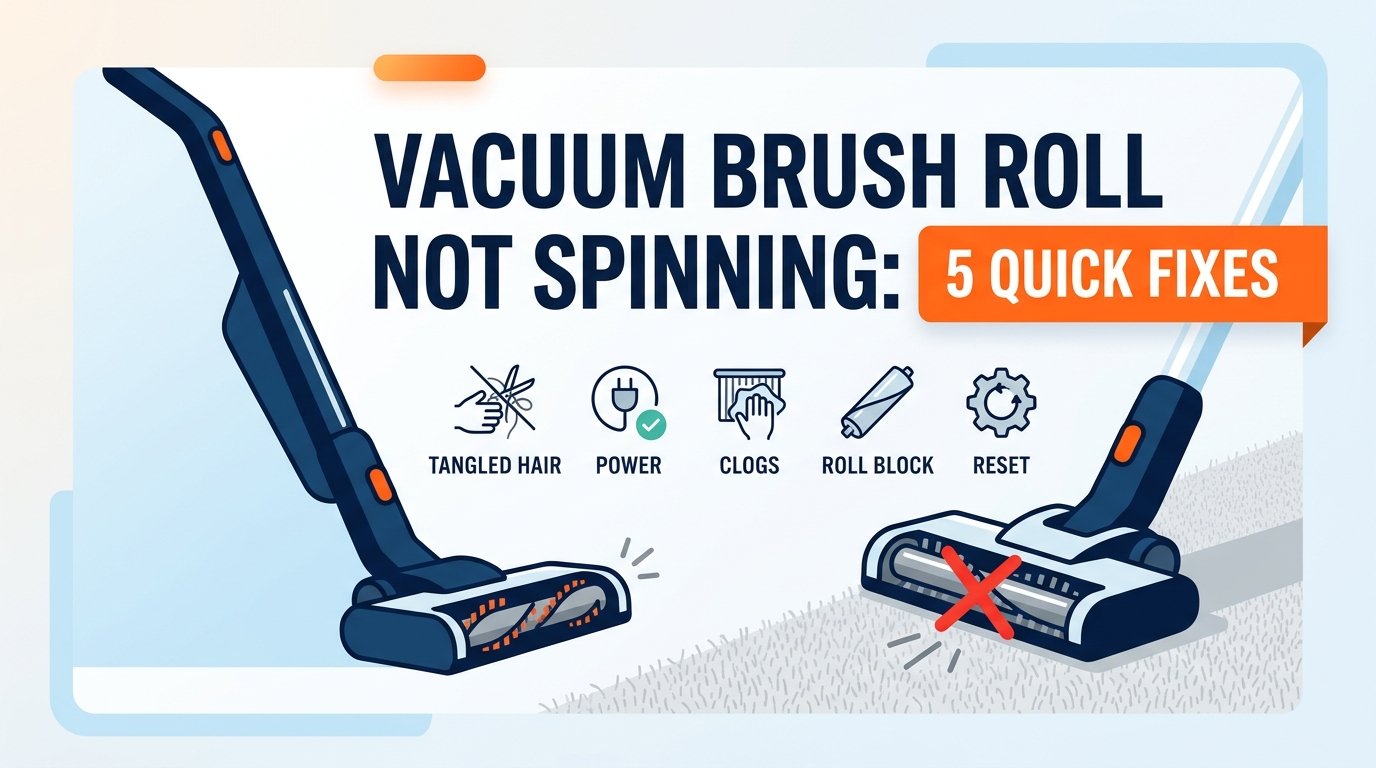
There is few things more frustrating during routine household cleaning than pushing your vacuum across the carpet, only to realize that the rotating brush roll—the very component responsible for agitating carpet fibers and unearthing embedded dirt—is completely motionless. Instead of lifting pet hair, dust mites, and fine debris, your vacuum is merely gliding over the surface, leaving floors looking lackluster and forcing you to make multiple passes over the same spot.
When a vacuum brush roll stops spinning, it doesn’t automatically mean you need to invest in an expensive replacement or rush out to buy a brand-new machine. In fact, the vast majority of brush roll failures stem from routine wear, physical blockages, or minor mechanical slips that you can diagnose and fix right at home in under 15 minutes.
Whether you operate an upright vacuum, a cordless stick vacuum, or a heavy-duty canister model, this comprehensive guide walks you through 5 quick, actionable fixes to get your roller spinning smoothly again.
Why Does a Vacuum Brush Roll Stop Spinning?
Before diving into the fixes, it helps to understand the underlying mechanics. Most modern vacuums rely on one of two systems to drive the brush roll:
Belt-Driven Systems: A dedicated rubber belt connects the motor shaft directly to the brush roll cylinder, transferring rotational force. If the belt slips, snaps, or stretches, the motor spins, but the brush roll remains stationary.
Direct-Drive (Motorized) Systems: An independent electric motor is housed directly inside the floor nozzle. Sensors or wiring deliver power straight to the roll. If hair or debris winds tightly around the bearings, or if a thermal safety switch trips, power is cut to protect the motor.
Recognizing your vacuum’s architecture is the first step toward a fast, permanent fix. Let’s explore the five most effective troubleshooting strategies.
Fix 1: Clear Tangled Hair, Threads, and Debris (The #1 Culprit)
By far the most common reason a vacuum brush roll stops spinning is the accumulation of hair, carpet fibers, and sewing threads wrapped tightly around the ends of the roller and inside the bearing housings. Over time, this fibrous buildup creates intense friction, locking the cylinder in place and either burning out a belt or triggering an automatic motor shutoff.
Step-by-Step Removal Process:
Unplug the Vacuum: Safety first. Always disconnect your vacuum from the wall outlet or power source before performing any physical maintenance.
Turn the Vacuum Over: Lay the vacuum flat on a soft surface or a clean towel to access the bottom soleplate.
Remove the Bottom Plate: Depending on your model, you may need to unscrew a few Philips-head screws or release plastic latches holding the brush guard in place.
Pull Out the Brush Roll: Lift one end of the brush roll gently out of its housing. Slide the belt off if your model uses a belt-driven system.
Cut Away Debris: Take a pair of sharp embroidery scissors or a seam ripper. Carefully slide the blade underneath the tightly wrapped hair parallel to the grooves, slicing through the tangled mass without cutting the bristles or rubber belt.
Clean the End Caps: Inspect the metal or plastic end caps (bearings) on both sides of the roller. Remove any accumulated dust or pet hair trapped inside the sockets.
Pro Tip: If you live with multiple shedding pets or long-haired family members, make clearing the brush roll a monthly maintenance ritual. Preventing buildup stops sudden motor strain before it starts.
Fix 2: Inspect, Realign, or Replace a Worn Vacuum Belt
If your vacuum uses a rubber drive belt and the motor sounds like it is running normally while the brush roll refuses to turn, the belt is almost certainly the issue. Over months of use, rubber naturally stretches, cracks, or slips entirely off its track.
How to Diagnose Belt Issues:
Slipping: The belt is intact but loose. When you turn the brush roll by hand, the motor pulley doesn’t move synchronously.
Snapped or Melted: The belt has broken in two, or friction caused it to fuse and snap due to a jammed roller.
How to Replace or Realign a Vacuum Belt:
Expose the brush roll by removing the bottom plate as outlined in Fix 1.
Slip the old belt off the motor drive shaft (located near the center or side of the floor head) and off the brush roll.
Inspect the belt for elasticity. If it feels brittle, cracked, or loose compared to a new replacement, discard it.
Loop the new belt around the motor shaft first.
Stretch the belt outward and slip it securely into the designated notch or groove around the center of the brush roll.
Reinsert the brush roll into its housing and rotate it manually two full turns to ensure the belt seats evenly without twisting.
Fix 3: Reset the Motor Thermal Cutoff or Brush Roll Safety Switch
Many modern upright and cordless vacuums feature intelligent safety mechanisms designed to prevent motor burnout. If a rug gets sucked into the nozzle, or if the brush roll encounters a hard obstruction (like a stray coin or toy), the machine will instantly cut power to the brush roll motor to prevent permanent electrical damage.
How to Reset Your Vacuum’s Safety System:
Look for a Reset Button: Some premium vacuums feature a physical red or black “Reset” button located on the back or bottom housing. Turn off the vacuum, unplug it, clear any blockages, wait 10–15 minutes for the motor to cool, and press the button until you hear a click.
Power Cycle Cordless Vacuums: For cordless models with motorized floor heads, an obstruction will trigger an error light (often flashing red or amber). Turn off the vacuum, detach the wand and floor tool, clear all airways and the brush roll, and reconnect everything. Powering the unit back on resets the digital safety circuit.
Fix 4: Check for Airflow Blockages and Hose Clogs
While it might seem counterintuitive, a severe blockage in the main vacuum hose, extension wand, or cyclone bin can indirectly affect brush roll performance. When suction is choked off completely, backpressure and altered airflow dynamics can trick smart vacuum sensors into disabling the floor head motor to prevent overheating.
Actionable Clearing Steps:
Detach the flexible hose and extension wands from the vacuum body.
Shine a flashlight through the tube or drop a small coin through it to check for obstructions (such as socks, small toys, or clumped dust).
Use a broom handle or a flexible cleaning snake to push out any lodged debris.
Empty the dust canister or replace the vacuum bag if it is overfilled. A clean airflow path ensures optimal voltage distribution across all electrical components.
Fix 5: Inspect Electrical Connections and Drive Motor Function
If you have cleared all hair, replaced the belt, and ensured there are no safety lockouts, the issue may be electrical. In direct-drive vacuums, power is transmitted via electrical pins or wires running through the wand and hose connectors.
Troubleshooting Electrical Paths:
Check Wand Connectors: Look closely at the metal contact pins inside the wand joints and floor nozzle socket. If they are coated in dust, grime, or corrosion, electricity cannot flow to the brush roll motor. Wipe them gently with a cotton swab dipped in rubbing alcohol (ensure the vacuum is unplugged).
Test for Continuity: If you are comfortable using a multimeter, you can check whether current is reaching the brush roll motor terminals when the power switch is engaged. If voltage is present but the motor does not turn, the internal motor has likely failed and requires replacement.
Common Pitfalls and Mistakes to Avoid
When troubleshooting a stationary vacuum brush roll, avoid these frequent errors that can worsen the problem:
Using Knives or Sharp Razor Blades carelessly: While cutting away hair is necessary, avoid stabbing deep into rubber belts or plastic housing fins with utility knives, as accidental punctures will ruin the components.
Ignoring Regular Filter Maintenance: Clogged pre-filters restrict airflow, forcing the vacuum motor to work twice as hard and triggering thermal safety shutdowns. Wash foam filters every 2–4 weeks and let them dry completely for 24 hours.
Vacuuming High-Pile Shag Carpets on Incorrect Height Settings: Setting your vacuum height too low on thick carpets creates excessive drag on the brush roll, causing belts to slip continuously. Adjust the height setting to a higher level for plush rugs.
Frequently Asked Questions (FAQ)
Why does my vacuum brush roll stop spinning when I put it on carpet?
When a vacuum touches carpet, the resistance increases significantly compared to bare floors. If the drive belt is stretched or worn, the motor will continue to spin, but the friction of the carpet will cause the pulley to slip past the belt, halting the roll. Replacing the belt usually resolves this.
How often should I replace my vacuum belt?
Most vacuum manufacturers recommend inspecting your drive belt every 3 to 6 months and replacing it annually—or sooner if you notice burning rubber odors, reduced agitation, or visible stretching.
Can a dirty filter cause the brush roll to stop?
Yes. When filters are heavily clogged with fine dust, airflow drops drastically. Many modern vacuum models feature automated sensors that cut power to the motorized brush head to prevent the system from overheating due to restricted airflow.
Conclusion
A vacuum brush roll that refuses to spin can bring your cleaning routine to a screeching halt, but as you’ve seen, the solution is rarely complicated. By systematic troubleshooting—starting with removing tangled hair and checking worn belts, resetting thermal safeties, clearing blockages, and inspecting electrical contacts—you can restore your machine to peak cleaning performance in minutes. Regular preventive maintenance will keep your floors spotless and extend the lifespan of your vacuum for years to come.
